
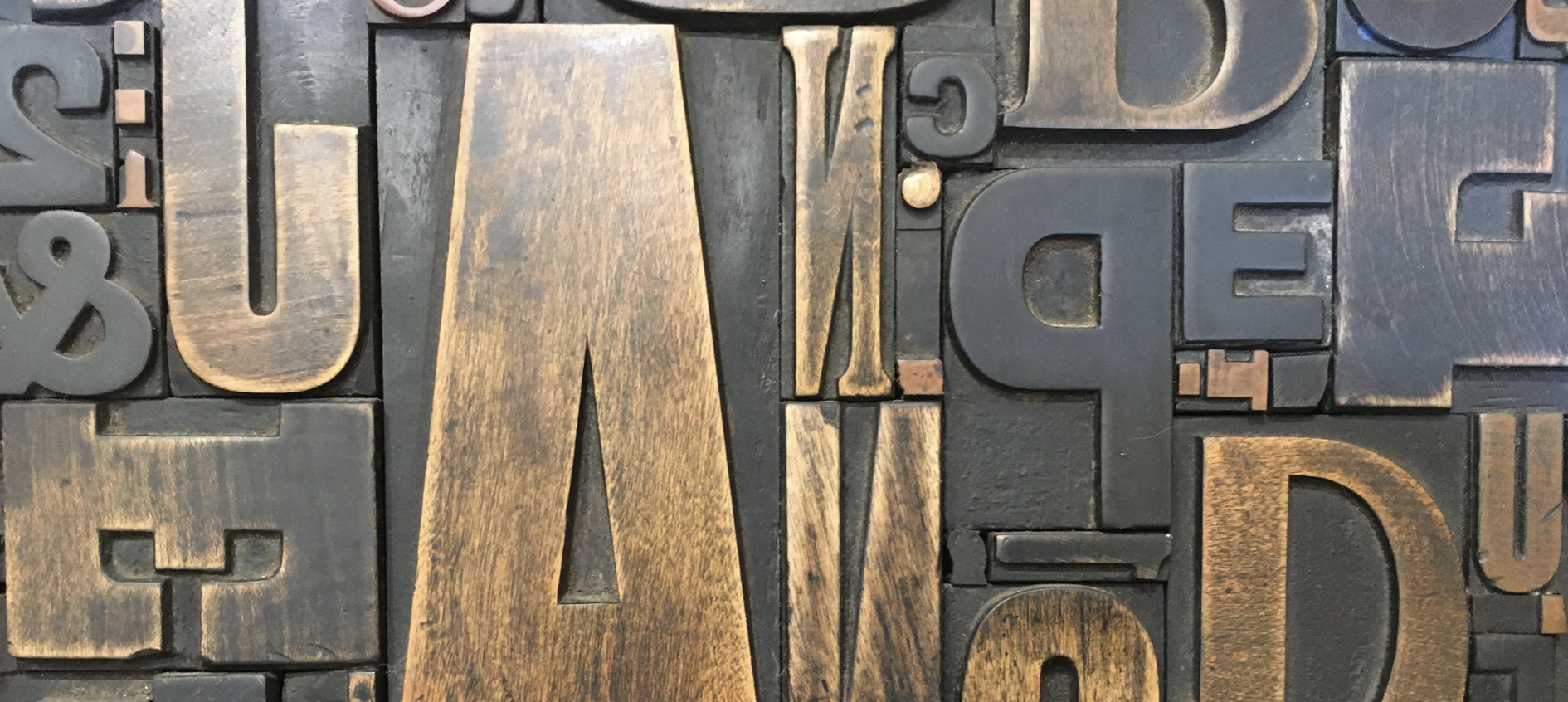
Back in the day, yes, it really does seem like a lifetime ago, desktop publishing revolutionised the print industry.
Do you remember the excitement of the 1980s, when suddenly it became possible to design and produce professional-looking documents on a computer? Gone were the days of traditional typesetting methods and physical paste-up artwork. With a computer, software program and a printer, individuals and businesses could create newsletters, brochures, magazines, and books themselves.
I was fortunate enough to be there at the very beginning!
Working in medical publishing, I taught myself how to use Aldus PageMaker, one of the very first desktop publishing programs. It opened up a whole new world of possibilities and, ultimately, inspired me to set up my own business. Decades later, desktop publishing, or as it's more commonly known today, typesetting, is back at the heart of what I do: helping indie authors present their books professionally.
What is Desktop Publishing?
Desktop publishing (DTP) is the process of combining text, images, graphics, and layout using specialist software to create professional printed or digital publications.
Whether it's a novel, memoir, business report, brochure, workbook, or magazine, desktop publishing transforms raw content into a polished publication that's attractive, easy to read, and ready for print or digital distribution.
Today, the term typesetting is often used when referring to books, but it all stems from the same desktop publishing principles.
Why does it matter?
Many people assume that once a manuscript has been written and edited, it's ready to publish.
In reality, how your book looks is almost as important as the words on the page.
Professional typesetting helps to create:
Comfortable, readable page layouts
Consistent chapter headings and styles
Well-balanced margins and spacing
Correct page numbering and front matter
Attractive typography
A polished, professional finish
Readers may not consciously notice good typesetting, but they will often notice poor typesetting. Awkward spacing, inconsistent formatting, or pages that feel cluttered can distract from an otherwise excellent book.
More than just books
Although much of my desktop publishing work is now focused on books, the same principles apply to many other documents.
Professional desktop publishing can be used to produce: Brochures, Newsletters, Reports, Training manuals, Workbooks, Leaflets, Event programmes, Business documents, and much more.
Good design helps your message stand out while making it easier for your audience to engage with your content.
The tools have changed…
When I first started, PageMaker was considered revolutionary.
Since then, desktop publishing software has evolved enormously. While Adobe InDesign is widely regarded as the industry standard, I use Affinity Publisher for my typesetting work. It offers the professional tools needed to create beautifully designed book interiors, with precise control over typography, page layout, images, styles, and print-ready files.
One of the reasons I enjoy using Affinity Publisher is its flexibility and efficiency. It allows me to produce high-quality layouts that meet the specifications required by commercial printers and print-on-demand services, ensuring every book looks polished and professional.
Online design platforms like Canva are excellent for creating social media graphics and simple marketing materials, but producing professional book interiors requires specialist publishing software like Affinity Publisher, which provides the precision and consistency needed to create the best possible reading experience.
Desktop Publishing is about more than design
Good desktop publishing isn't about making a page look pretty. It's about guiding the reader effortlessly through your content.
The right font, appropriate line spacing, thoughtful placement of images, and consistent formatting all contribute to a better reading experience. Every design decision should support the words on the page, not compete with them.
My approach
Having worked in publishing for many years, I still find enormous satisfaction in transforming a manuscript into a finished book.
Every project is different, and I enjoy working with authors to create interiors that reflect the tone of their writing while ensuring the finished publication looks professional and is a pleasure to read.
Whether you've written your first novel, a family history, a workbook, or a non-fiction guide, careful typesetting can make all the difference between a manuscript that looks homemade and a book that readers will be proud to own.
Final thoughts
Desktop publishing has come a long way since the 1980s, but its purpose remains the same: to present words in the best possible way.
Technology has changed dramatically, but one thing hasn’t: good design helps great writing shine.
If you're preparing your manuscript for publication and would like support with professional typesetting and book layout, I'd be delighted to help bring your book to life.
I hope you found this interesting xx
If you’re an aspiring author looking to publish your book, I'm here to polish your words and create a professional, reader-friendly publication for you. I would love to support you on your publishing journey.
Contact me for an editing and typesetting estimate; let’s make your book shine!